
 Pressbook
Album
Pick a trip, a month or a first year. Pressbook reads the set on the device, keeps the frames worth keeping, and hands back a photo book you can send to a print lab.

Scan to start this album on your iPhone or iPad. Free, no account. It begins on the device.
iPhone, iPad, and Mac · iOS 18+ · macOS 15+ · No account, ever
Everything runs on your device, so there is nothing to wait for between them.
- 01
Pick generously
Select the whole set. Nine Vision requests score every frame on the device and propose the keepers. Of nearly identical shots the sharper one stays, or the one with eyes open, so you approve a shortlist instead of spelunking through duplicates.
- 02
Choose shape and fullness
Square, Wide or Tall, in the size you will print, with a fullness slider that sets how packed each page feels and a live page count as you move it. Before you make it, you see what it sets aside, and why. Every rebuild is a take you can flip back to.
- 03
Read it, then send it out
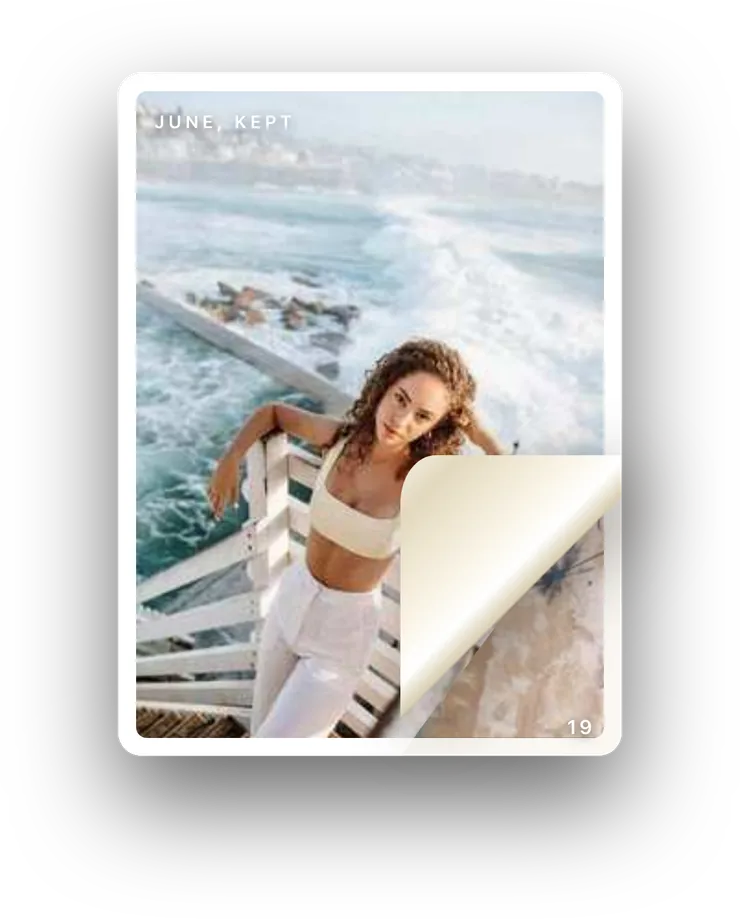
Watch it open like a book and flip through with a real page curl, then export a print PDF, page images or the editable project, or share it with family or a circle to react and comment.
Time and place decide the chapters. The cover names the places from a gazetteer bundled inside the app, so even geography stays offline.
The people in your life appear evenly across the pages, and no layout will cut somebody in half to make a grid work.
It opens on its cover, a photo mounted on paper with the title, dates and places beneath it, and closes on a printed colophon: title, photo count, date range and imprint on the book’s own paper.
Near-duplicates, closed eyes and blurry shots wait in Set aside, each with its reason. Select several and add them back at once, in date order, or open one full size first.
The fullness instrument
The density slider rebuilds the book denser or airier without dropping a single frame you kept. The graph is the page count, not the photo count.
Curation, layout and export run on your iPhone, iPad or Mac. Nothing about this album passes through a Pressbook server, and sharing, when you choose it, travels through your own iCloud.