Pressbook
All postsHow-to
Photos on iPhone has no collage button. Shortcuts makes a plain grid, Freeform a free layout, Google Photos up to 6 photos, and a collage app the rest.

Photos on iPhone has no collage button. The Photos chapter of Apple's iPhone User Guide for iOS 27 lists no collage feature. You can still make one in a few minutes, and two of the ways are already on your phone.
| Way | On iPhone already | Photos | What you get |
|---|---|---|---|
| Shortcuts | Yes | As many as you select | A plain row, column or grid |
| Freeform | Yes | Any number | Photos placed anywhere on a board, saved as a PDF |
| Instagram Stories | In Instagram | Up to 6 | A grid inside one story |
| Google Photos | Free app | Up to 6 to start | A template, saved to your library |
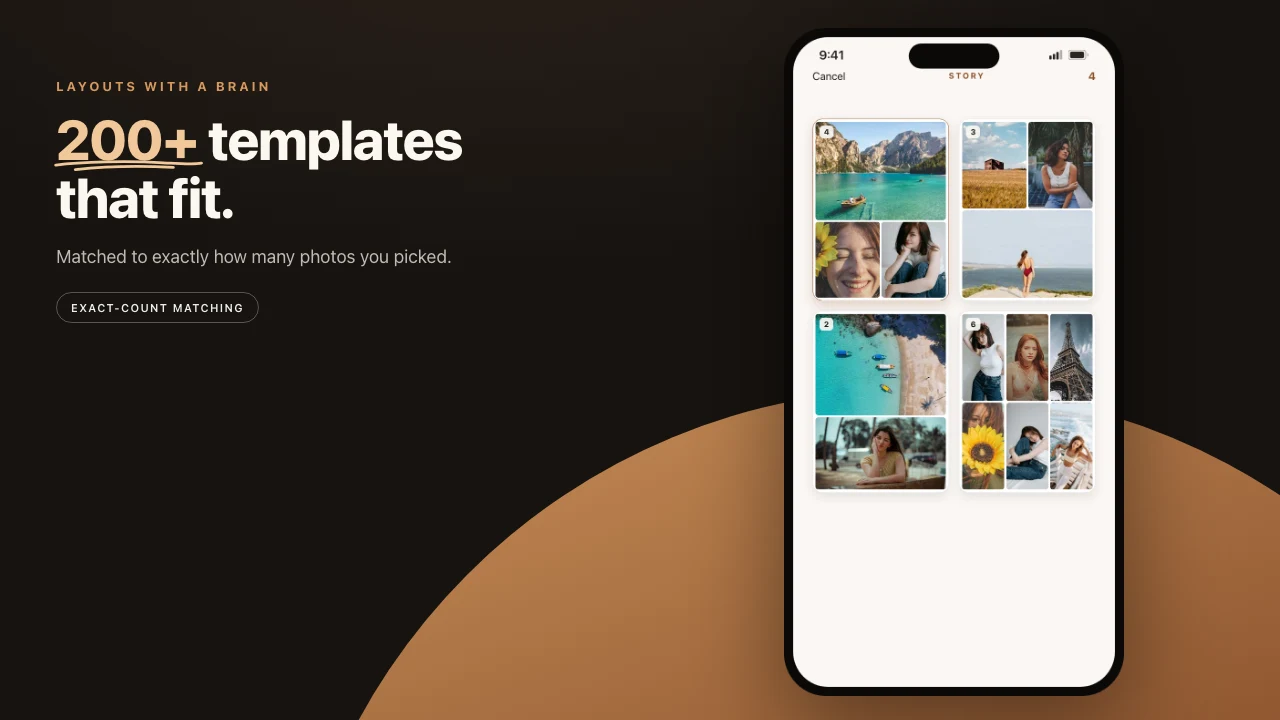
| Pressbook | Free app | 1 to 13, photos or videos | 520 collage and carousel layouts, with text and stickers |
Pick the way that matches where the collage is going. The steps for each follow.
Make a grid with Shortcuts
Shortcuts comes with iOS. Its Combine Images action joins the images it receives "horizontally, vertically, or in a grid", with optional spacing between them, measured in pixels. It does that and nothing more: no templates, no text.
- Open Shortcuts and tap the plus button to start a new shortcut.
- Add the Select Photos action and turn on Select Multiple.
- Add Combine Images and set it to In a Grid. Add spacing if you want gaps.
- Add Save to Photo Album.
- Run the shortcut and pick the photos. The grid lands in Photos.
Save the shortcut once and it works for every collage after that.
Lay photos out freely in Freeform
Freeform is Apple's board app, also included with iOS. Add photos to a board, then drag and resize them wherever you like and add text beside them.
To keep the result, tap More and then Export as PDF. Freeform has no image export. For a PNG, Apple suggests taking a screenshot of the board and sharing it from Photos.
Put a collage in an Instagram story
In Instagram's camera, tap Layout in the side toolbar, choose a grid, and take or add a photo for each panel. Instagram says Layout splits one story frame into a grid of up to 6 photos.
Older guides point to Instagram's separate Layout app. Instagram discontinued it on May 29, 2024.
Make a collage in Google Photos
Google's steps for iPhone: select up to 6 photos, tap Create, then Collage, and pick a template. In the editor, tap Add or Remove to change the photos, then tap Save.
Google lists iOS 18 or later and Google Photos 7.64 or later. When you are offline, only the layouts stored on the device are available.
Make a collage in Pressbook
Pressbook makes collages, Instagram carousels and photo albums on iPhone, iPad and Mac. It lays the photos out on the device, and nothing is uploaded to be designed.
- Tap plus, then New Collage. On a Mac, choose File > New Collage.
- Pick a format: Square (1:1), Story (9:16) or Post (4:5).
- Pick how many photos, 1 to 5 or 6+, and a layout. Or start blank.
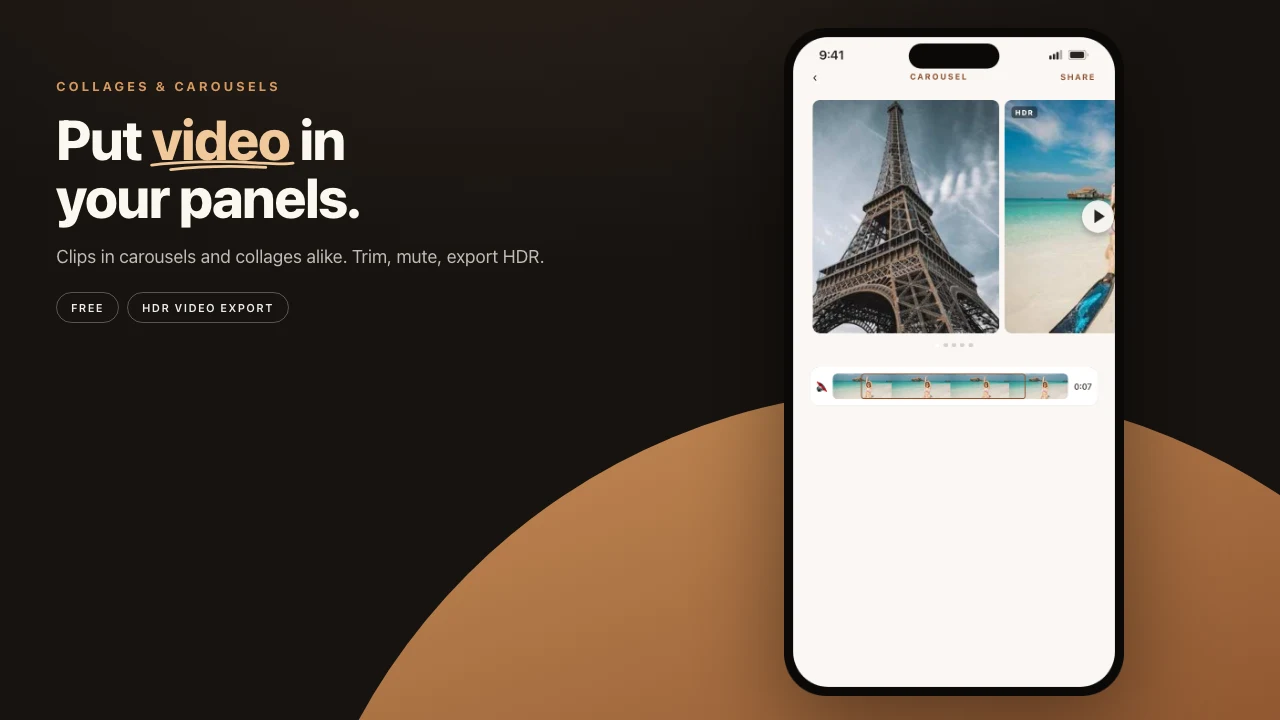
- Choose the photos. A video can fill a slot too.
- Tap Shuffle to try another arrangement. Swap photos, add text or stickers.
- Save to Photos, or choose Share > Reel for a short video in the collage's shape.
On a Mac you can also start in Apple Photos: select the photos, then choose File > Create > Other.
All 520 collage and carousel layouts are free. Free exports are screen resolution with a small watermark. Pro removes the watermark and exports larger: $4.99 a month, $29.99 a year or $79.99 once. There is no account to make.
To compare collage apps, see best photo collage apps for iPhone.
Which shape to pick
- Story (9:16) fills a phone screen. Use it for Stories and Reels.
- Post (4:5) suits the Instagram feed, where it takes more room than a square.
- Square (1:1) fits feeds, chats and square prints.
Frequently asked questions
Does iPhone have a built-in collage maker?
Not in Photos. Apple's iPhone User Guide for iOS 27 lists no collage feature. The Shortcuts app can combine photos into a row, a column or a grid, and Freeform can lay photos out on a board and export it as a PDF.
How many photos can a collage have?
It depends on the tool. Google Photos starts a collage with up to 6 photos on iPhone, and Instagram's Layout for Stories takes up to 6. Pressbook's collage layouts take 1 to 13 photos or videos. Shortcuts combines as many as you select.
Can I make a collage without downloading an app?
Yes. Shortcuts and Freeform come with iOS. Shortcuts makes a plain grid and saves it to Photos. Freeform lets you place photos anywhere on a board and export the board as a PDF.
Can a collage include video?
In some apps. In Pressbook a video can fill any slot, and Share > Reel exports the whole collage as a short video. PicCollage makes video collages too.
Is Pressbook free?
Yes. Every layout is free, and free exports are screen resolution with a small watermark. Pro removes the watermark and exports larger: $4.99 a month, $29.99 a year or $79.99 once.
Start on iPhone, iPad or Mac. Make a collage. Free, no account, nothing uploaded.