Pressbook
All postsHow-to
Cutouts you lift, plus optional KLIPY Discover. Motion in a video export. One still frame in print. Search is off until you turn it on.
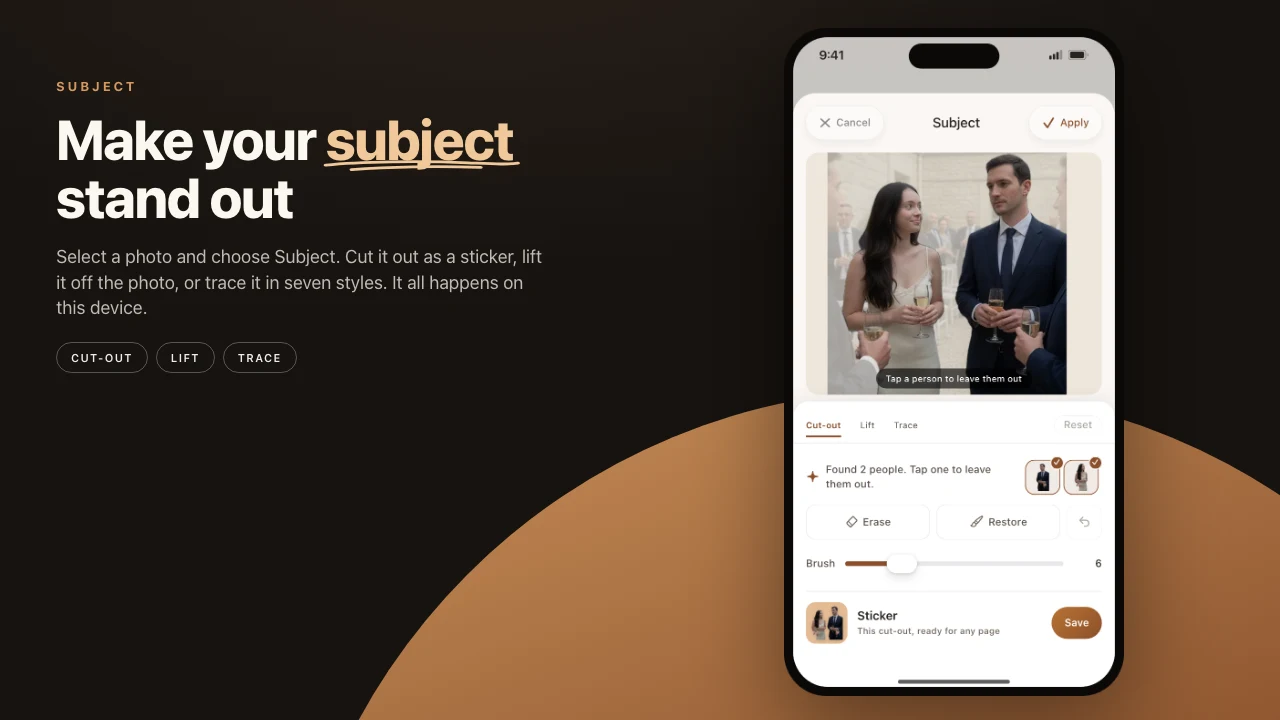
Lift the kid out of one photo, drop a beating heart next to them, and export the page as a video where the heart keeps beating. Pressbook holds two kinds of sticker. The first you already make yourself: a subject lifted out of your own photo. The second is animated, searched for, and optional. Both sit in one library. Both do the right thing when you export.
Two kinds of sticker, one library
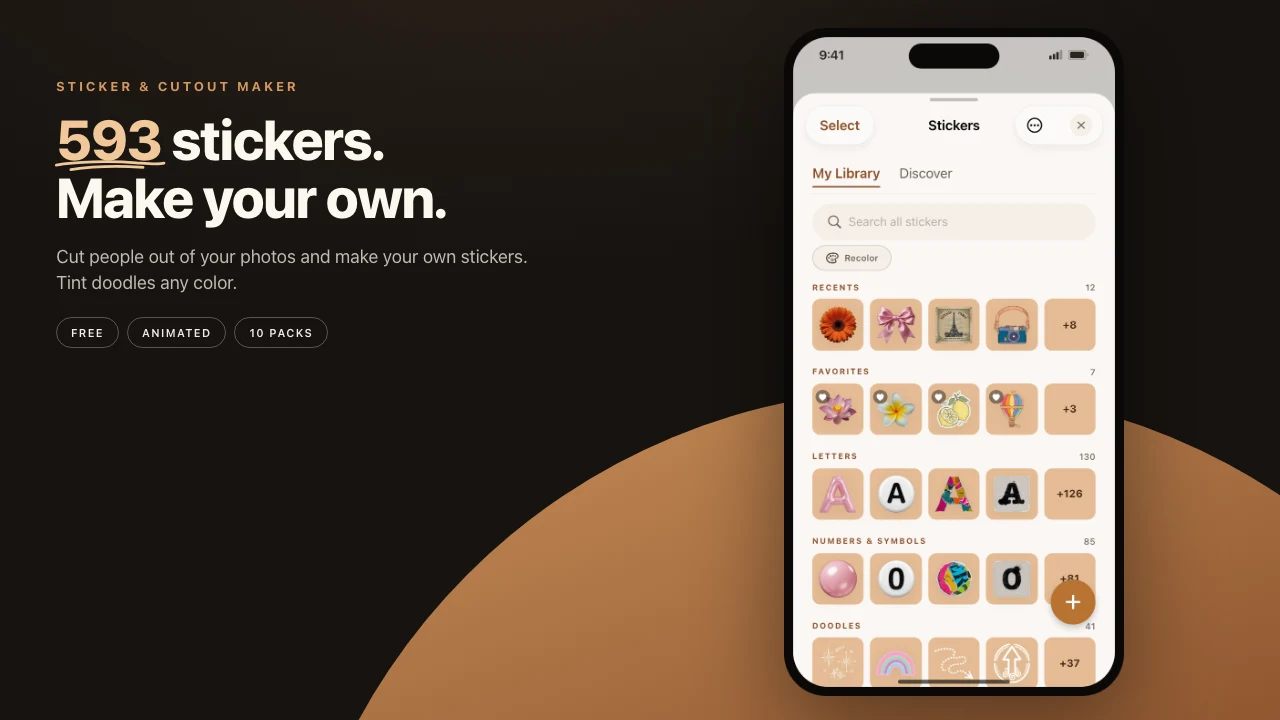
Every sticker you make or find lands in the same place. The cut-outs you lift from your photos, the iOS stickers and Memoji you already have, and the animated ones from the Discover tab all share one library. A sticker you used on a carousel last week is one tap away on today's collage. A sticker is no longer tied to the project you first made it in.
The Discover tab is off until you turn it on
The animated stickers come from Klipy, through a Discover tab that ships turned off. It is a separate, explicit opt-in, not something that switches on when you enable anything else. In a build with no Klipy key configured, the tab does not appear at all.
Turn it on and search, and one thing leaves your phone: the word you typed. Pressbook sends your search term to Klipy over a standard HTTPS request. Klipy sees your IP address, the way any site you contact does, and your app version in the request header. Nothing else goes with it. No account. No user id. No device id. No separate tracking call. Your photos, your projects, your captions, and the sticker artwork itself stay on the device.
When you export a video that includes Klipy stickers, Pressbook writes the stickers' names into the file as metadata, because Klipy's terms ask for attribution on anything you share. It stays invisible during playback. There is no badge burned into the picture. The only time Pressbook re-checks a placed sticker against Klipy, to catch one that was taken down, is when you pull to refresh the tab or open a sticker's info sheet. It never happens on launch or in the background.
Animated in a video, a clean still in print
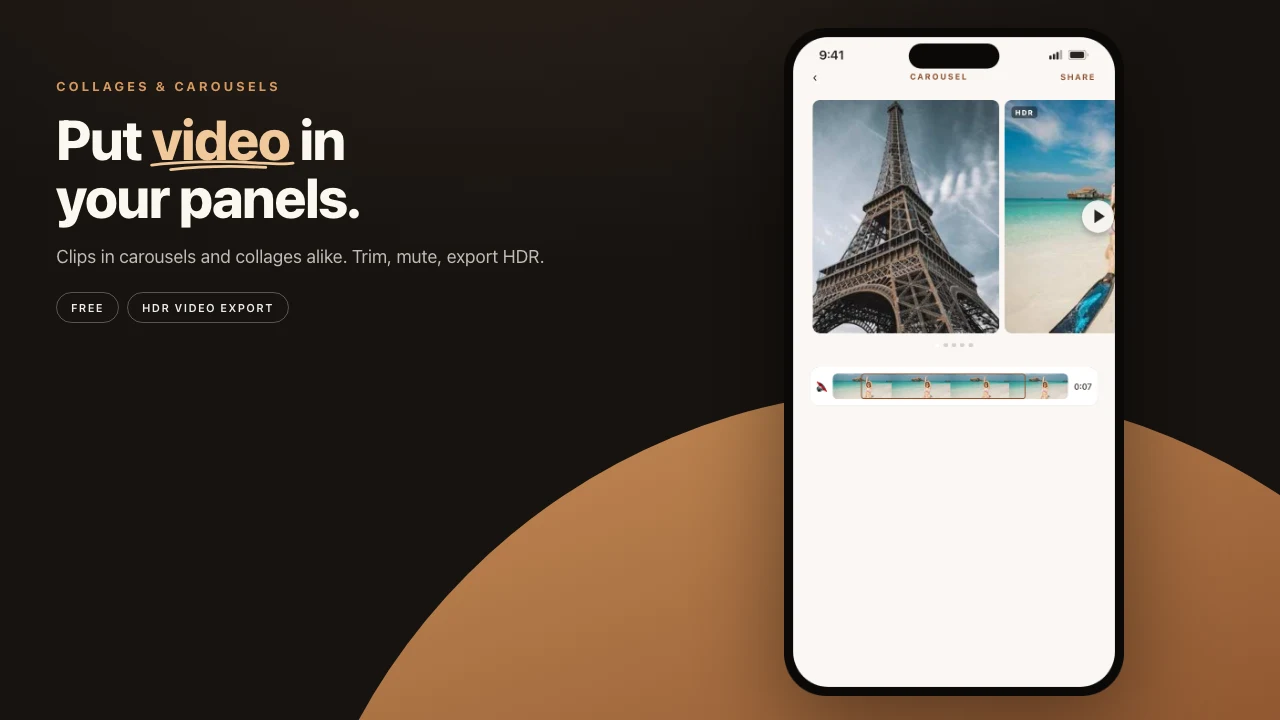
A sticker that moves only makes sense in something that moves, so an animated sticker behaves according to what you export it into. Put it on a collage or carousel and export a video, and it stays animated in the MP4, looping the way it did on screen. Export the same page as a print-ready PDF, or use it in a printed album, and it flattens to one clean frame. A printed page cannot loop. You do not change a setting for either. The sticker reads the format and picks the right behavior.
Place them like any other layer
Once a sticker is on the page, animated or not, it is a layer like a photo or a line of text. Resize it. Rotate it. Send it in front of or behind other elements. Stack a few. It works in the same canvas editor that handles curved text, filters, and drawing, so an animated sticker sorts with everything else on the page instead of living in its own mode.
The stickers you lift from photos are made on the device and never leave it. The animated ones you download are cached locally, so they render and reuse without fetching again. The single thing that ever goes out is the word you type into Discover search, and only when you have turned that tab on.
Steps
- Open a collage, select one of your own photos, and save its subject as a sticker with Subject.
- Turn on the Discover tab. Search for something small: confetti, a heart, the weather.
- Drop one animated sticker next to your cut-out.
- Export the page as a video if the sticker should keep moving.
- Export it again as a PDF and watch the same sticker hold still.
Start on iPhone or iPad, iOS 18 and up. Make a collage in Pressbook. Free, no account, nothing uploaded.