Pressbook
All postsNote
A good carousel is one design that continues across the swipe. Rank makers by seams, accounts, and whether the same app can also print.
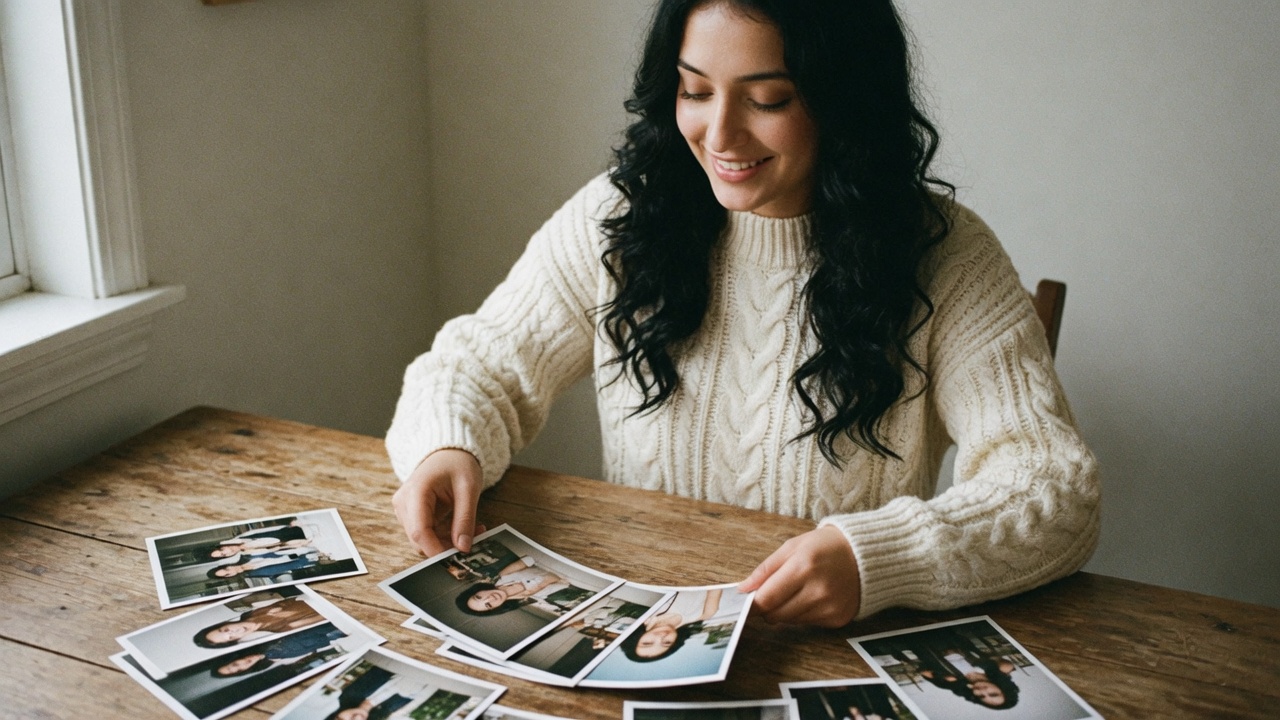
A good Instagram carousel is not five squares that share a filter. It is one design that continues across the swipe: background, type, and crops that meet at the seams.
Creators reach for SCRL, 17v28, Crsel, sometimes Tezza or Unfold. Brands reach for Canva. Motion posts go to CapCut. Pressbook sits in a different lane: continuous carousels from the camera roll, on-device, next to print albums, without a design account.
Creator subscriptions move. Pressbook is Free, then Pro at $4.99 a month, $29.99 a year, or $79.99 once.
Product comparison: Pressbook vs SCRL, 17v28, Crsel and Canva. Steps only: how to make an Instagram carousel. One wide photo: how to post a panorama on Instagram. Single-image collages: best photo collage apps for iPhone.
What to optimize for
- A continuous canvas, so seams disappear
- Panel count (a tight story versus a long dump)
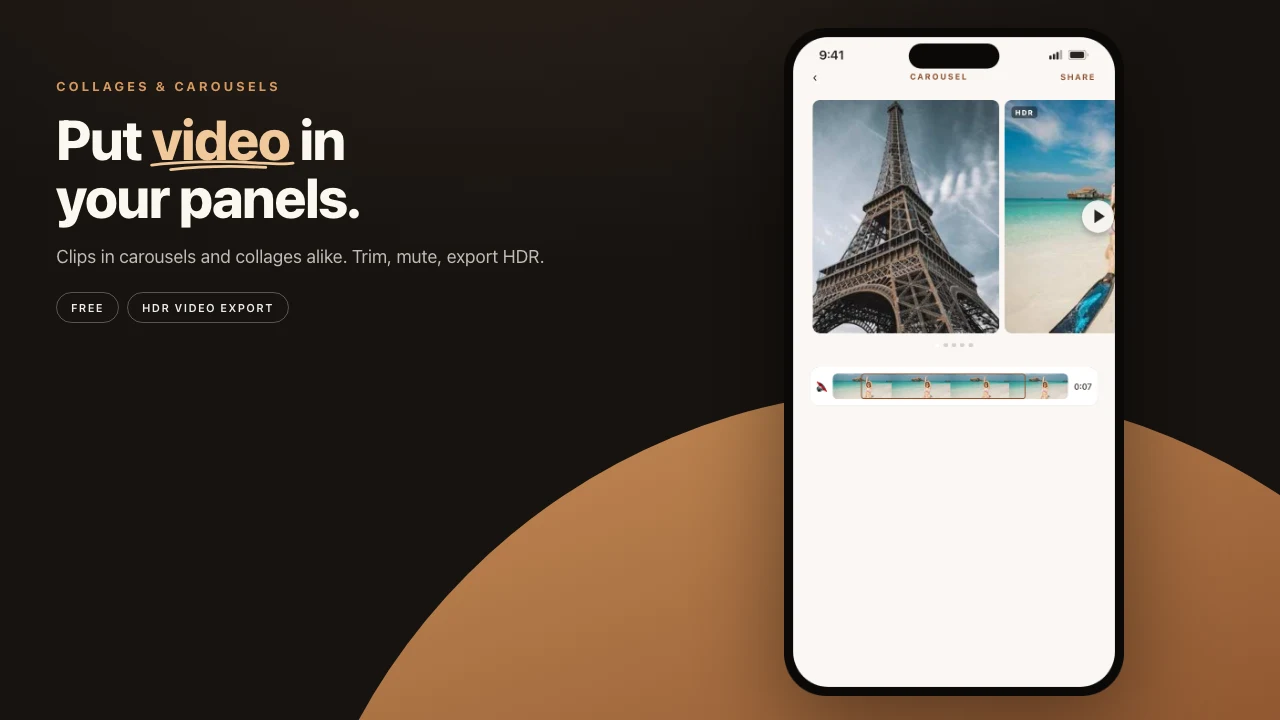
- Video in the same swipe as stills
- Export as ordered images, or one video
- Whether you need an account to design
- Whether the same app can also make a print book
Native Instagram still accepts multiple images. The maker is whatever builds those files well before you post.
Ranking for personal camera-roll work
This order assumes trips, weddings, family dumps, and small creators who care about continuous swipe and where the photos go. Agencies will rank Canva higher. Aesthetic maximalists will rank 17v28 higher.
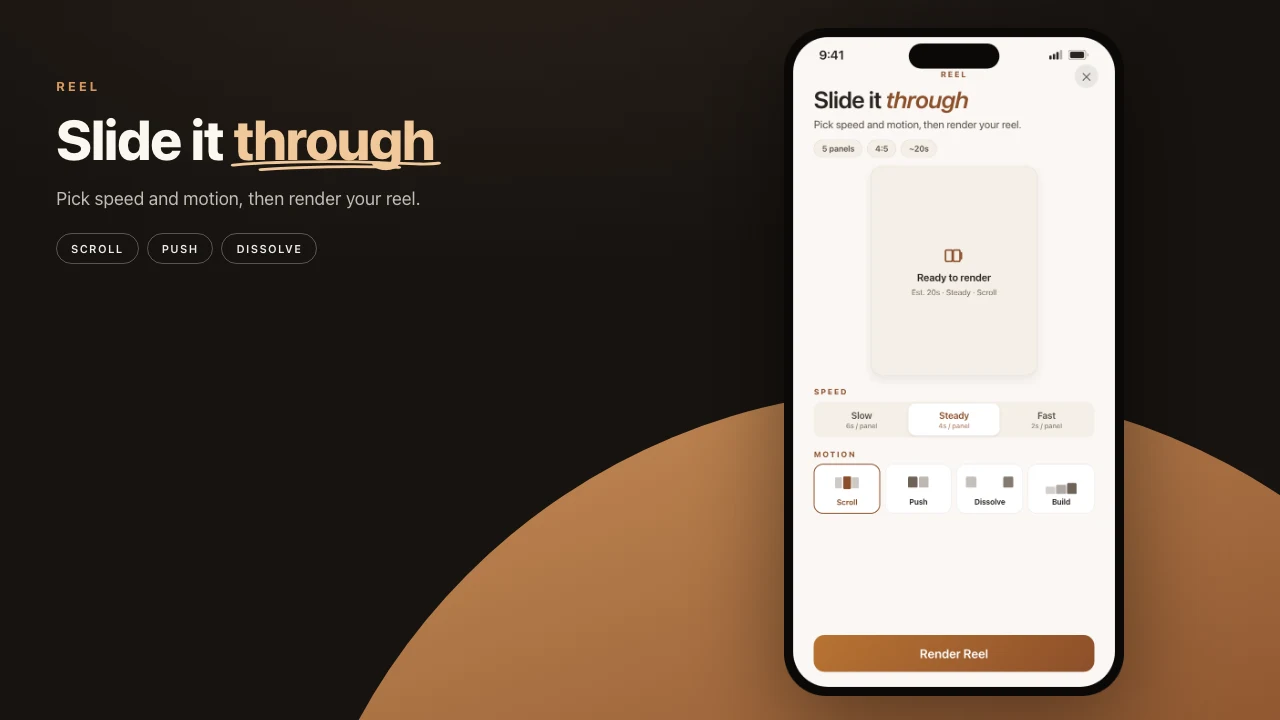
- Pressbook. One wide canvas from Photos, on-device, optional video, private share, same app as print albums. Two to ten panels.
- SCRL. Purpose-built social carousels, long multi-slide posts, creator templates.
- 17v28. Scrapbook seamless dumps, huge sticker library, seasonal packs.
- Crsel. Seamless carousels, Stories, Reels covers, cutout tools.
- Canva. Brand kits and template volume.
- Tezza. Film look and feed planner. Carousel is secondary.
- CapCut. Motion first.
- Unfold. Stories frames.
- Native Instagram plus Photos. Crop and post only.
| Factor | SCRL | 17v28 / Crsel | Canva | Pressbook |
|---|---|---|---|---|
| Continuous swipe | Strong | Strong | Template | Wide canvas |
| Max panels | More than 10 | Multi-slide | Varies | 2 to 10 |
| Video in panels | Often Premium | In product. Full kit often a sub | Free design. Pro stock | Free on the canvas. Pro for HQ export |
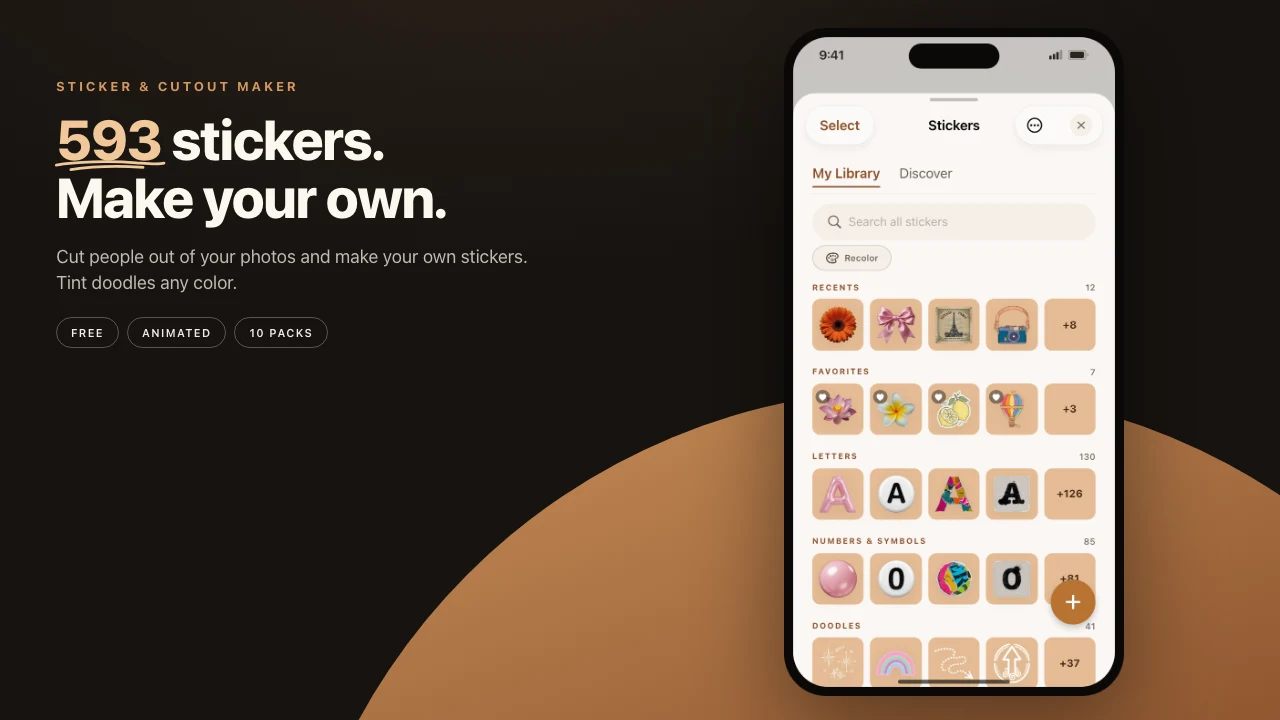
| Stickers | Partial free. Premium more | Huge packs. Sub for full | Free plus Pro stock | All 593 free, plus cutouts |
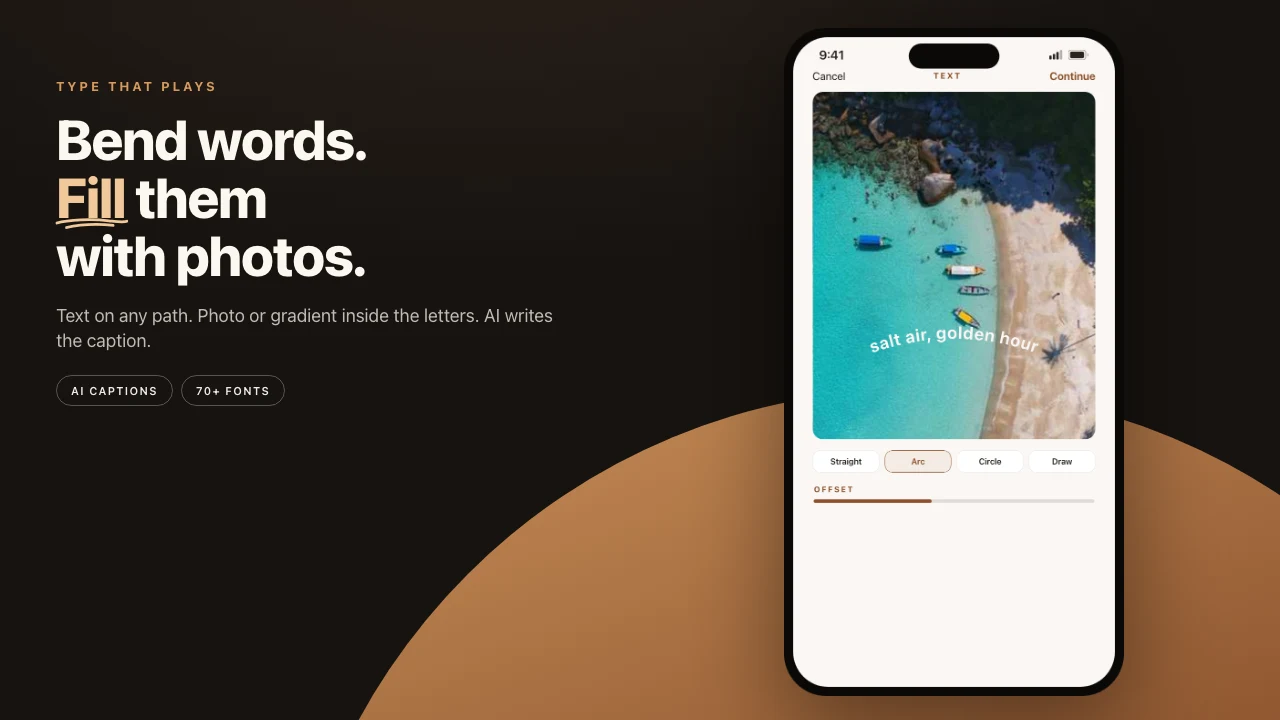
| Text paths / filled type | Limited | Scrapbook type | Brand type | Curves and photo fill, free |
| Upload to design | Social app | Tracking label | Cloud | None |
| Print album same app | No | No | No | Pro, 300 DPI and up |
| Private family gift | No | No | Team links | iCloud, on Free |
SCRL, 17v28, Crsel, and the rest
SCRL is a social design platform for collages and seamless carousels. More than 10 photos, templates, grids, frames, background remove, social-oriented export. SCRL Premium is the path to the full template set and premium tools. Play Store Premium copy lists video in grids. iOS Premium is “every template, every layout, every tool.”
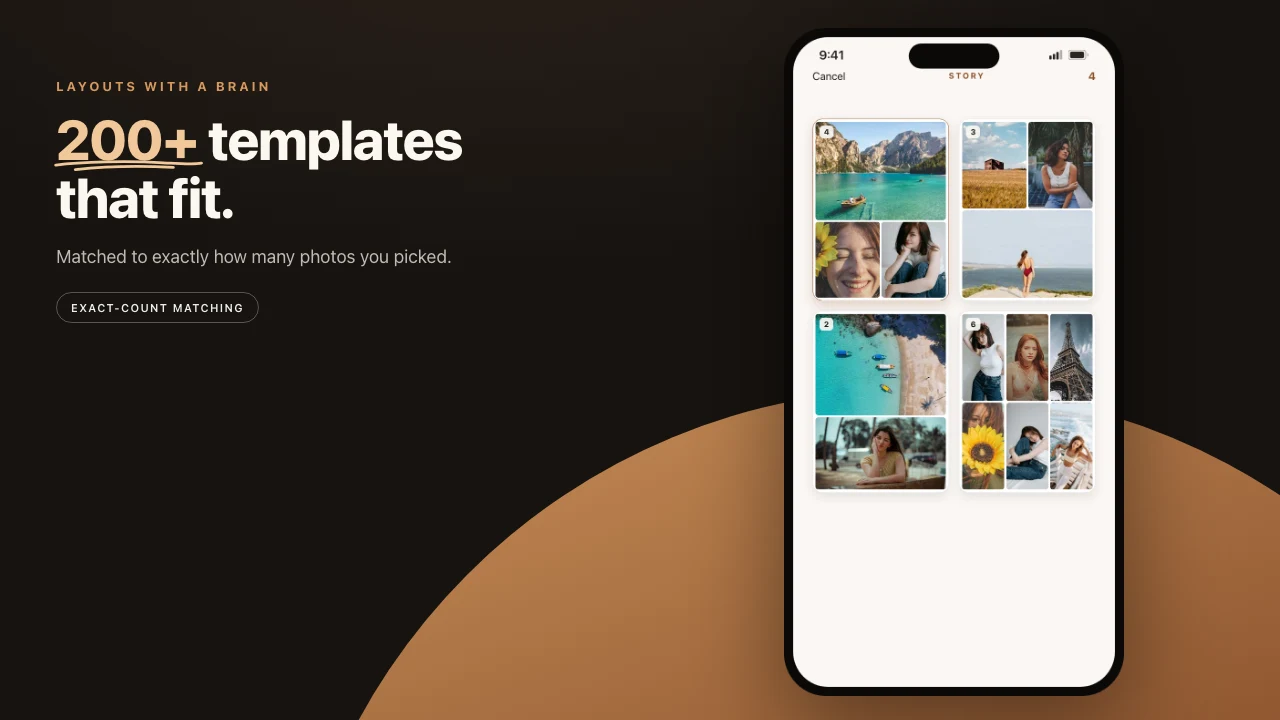
17v28 ships 200+ templates, 1,000+ handcrafted stickers, film frames, community templates, and video (4K export called out in recent updates). A free subset exists. Subscription IAPs unlock the full library. Reviews mention a paywall for “everything.” The privacy label lists tracking categories.
Crsel is seamless multi-slide design, Stories and Reels covers, AI cutout, trend templates. Strong ratings. Crsel Plus (weekly / yearly) markets unlimited features. App Store reviews report adding video requires pay. Much of the kit sits behind Plus.
Tezza is film presets, designer templates, a feed planner, and batch edit. Free has limited presets. Tezza Pro unlocks the full aesthetic library. Carousel is secondary to the film look and the feed planner.
- Canva Free: real design. Canva Pro: premium stock (including video and audio), Brand Kit depth, advanced downloads.
- CapCut Free: a strong basic timeline. Standard / Pro: watermark-free premium templates, 4K-class export, advanced AI / assets.
- Unfold: Stories gloss.
- Native: zero apps, weak multi-panel design.
Free vs locked
| What you want | Often locked on feed apps | On Pressbook |
|---|---|---|
| Full sticker / template dump | 17v28 / Crsel / SCRL subs | All 593 stickers plus 520 templates, free |
| Video in the grid / panels | SCRL Premium (grids). Others vary by plan | Compose free. High-quality video export is Pro |
| 4K / premium motion assets | CapCut Pro (and similar) | Pro for HQ video. Not a CapCut replacement for timelines |
| Film preset libraries | Tezza Pro | 56 looks free |
| Brand stock video / audio | Canva Pro | Your camera roll, not stock libraries |
| Print-ready album PDF | Usually not in the category | Free screen-res. Pro prints at 300 DPI and up |
| Private family gift | Rare | Free iCloud invite plus capsule |
Pressbook’s freemium is inverted from most creator apps: the creative shelf is free. Pro is for print grade and high-quality video, not for unlocking stickers.
Pressbook carousel, in facts
| Spec | Free | Pro |
|---|---|---|
| Panels | 2 to 10 | Same |
| Shapes | Square 1:1 or portrait 4:5 | Same |
| Continuity | Single wide render, then slice | Same |
| Video on canvas | Add, trim, filter, mix audio | Same compose |
| Video export quality | Included path with free limits | High-quality / HDR-class export |
| Stickers | All 593 plus cutouts | Same |
| Text | Curves, 70 fonts, photo-filled type | Same |
| Guides | Smart guides on panel edges | Same |
| Filters | 56 looks plus overlays | Same |
| Still export | Ordered images (screen-res tier on free) | Higher quality paths where applicable |
| Album from the same roll | Screen-res free book (≤20 photos free) | 300 DPI and up, 1,000 photos, no watermark |
| Account | None | None |
| Private share / capsule | Included | Included |
Limits versus the pack: max 10 panels (SCRL markets more than 10 photos per post). Fewer junk-journal sticker drops than a fully subscribed 17v28. No upload-straight-to-IG growth loop.
Editor tools for a camera roll
Creator apps sell dump aesthetics, often after a sub. Pressbook finishes from Photos with a free sticker shelf and free short formats.
| Move | How Pressbook does it | Locked elsewhere? |
|---|---|---|
| Video in the swipe | Drop a clip in any panel. Trim and mix on free. Pro for HQ export | SCRL Premium often for video in grids. CapCut free basic, Pro for premium / 4K |
| Stickers without a sub | All 593 free, plus lift a subject. Discover off by default | 17v28 / Crsel full packs typically a subscription |
| Text that spans cuts | Curved paths and photo-filled type on a free canvas | Brand type often in paid Canva stock |
| Align across panels | Smart guides on spacing and carousel edges | Not a paid extra |
| Film look | 56 looks free on stills and video, plus overlays | Tezza’s full library usually Pro |
| One grid, not a swipe | New Collage, free (Square, Story or Post) | Not a paid extra |
| Then print or gift | Free private share. Pro print-quality album | Not in the category |
How to choose
- Continuous swipe from trip or wedding photos, no upload, free stickers → Pressbook
- More than 10 photos, daily creator posts, fine with Premium → SCRL
- Maximal scrapbook dump, fine with a sub → 17v28 or Crsel
- Full film preset library, fine with Pro → Tezza
- Brand kit plus team templates → Canva (Pro for premium stock)
- Heavy motion timelines → CapCut (Pro when free assets are not enough)
- Stories frames only → Unfold
- One image grid, not a swipe → Pressbook (New Collage)
- Video on canvas without SCRL Premium / CapCut Pro as the default → Pressbook (Pro for HQ video export)
- Same piece as a private gift or print book → Pressbook
Pressbook stops at ten panels. Teams that already live in Canva should stay there.
Workflow that posts cleanly
- Build with a continuous canvas when seams matter.
- Add video, stickers, or curved type before you slice.
- Export ordered panels to Photos (or one video).
- In Instagram, attach all panels in order.
- Preview the swipe once before publishing.
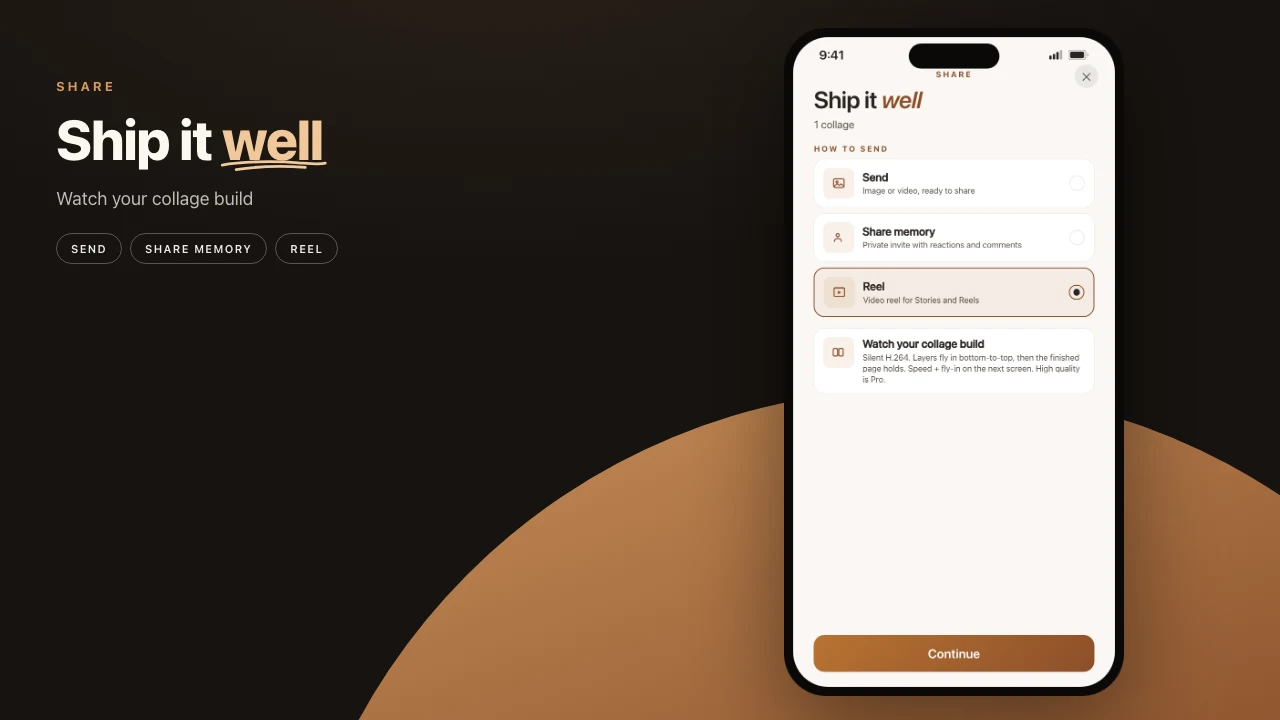
A Reel from a finished carousel is a separate export. How to make a photo Reel. For the feed swipe, start at Make a carousel.
Privacy note
Design privacy and Instagram privacy are different layers. A published IG post follows Instagram’s rules. What changes is whether compose required an account, tracking SDKs, or upload to a design cloud.
Read live App Store privacy labels for SCRL, 17v28, Crsel, and Tezza before you put a full wedding roll into a growth carousel app.
Pressbook’s Free tier includes the carousel path. Pro is for HD export and print, not for unlocking the canvas.
Start a carousel. Pricing lists Free and Pro.