Pressbook
All postsHow-to
Curate the whole day on the phone, set fullness, export a print-ready PDF. Optional Memory Capsule for the anniversary. Nothing uploaded.
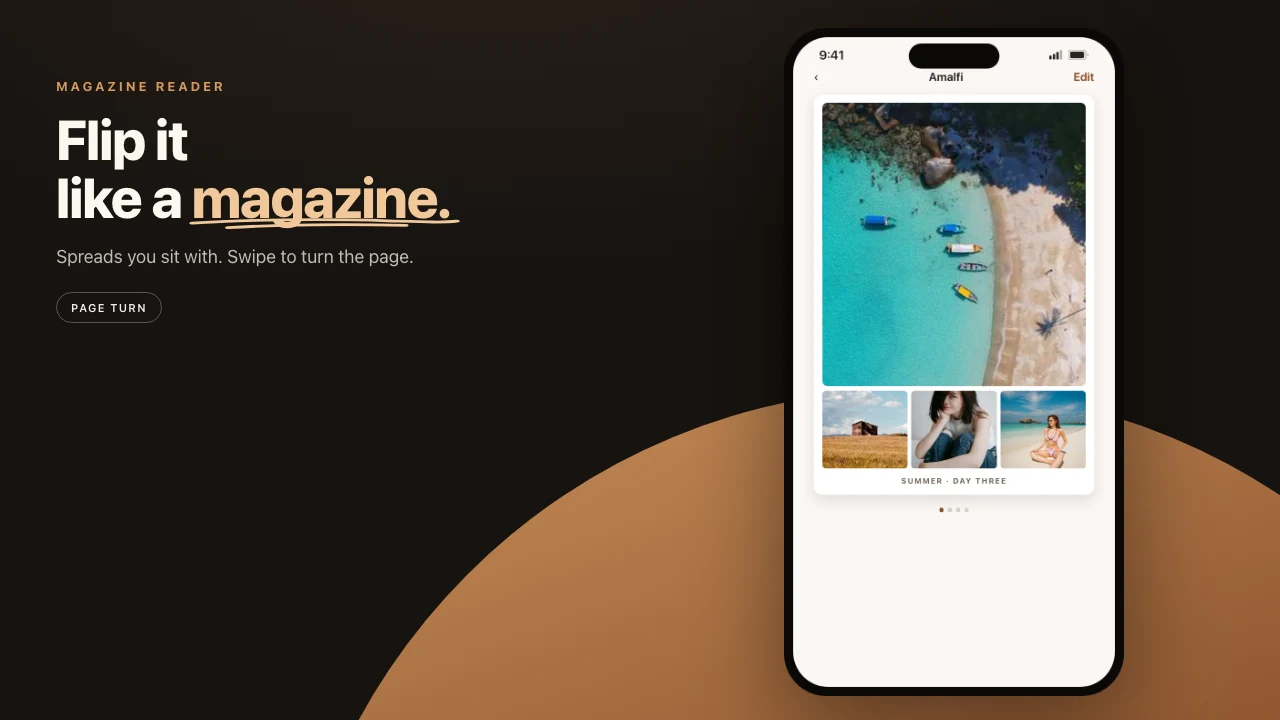
A wedding dump is the worst possible input for a cloud book. Hundreds of near-duplicates. Family faces. A day you do not want sitting on a vendor disk while a layout engine “helps.”
Pressbook keeps the day on the phone. You over-pick. Vision stacks the bursts. You decide what stays. Paper, if you want it, is a print-ready PDF for any lab. Parents get a private invite later, not a Google link you will forget to lock.
No account. Nothing uploaded to Pressbook. Share wedding photos privately.
Pick the whole day
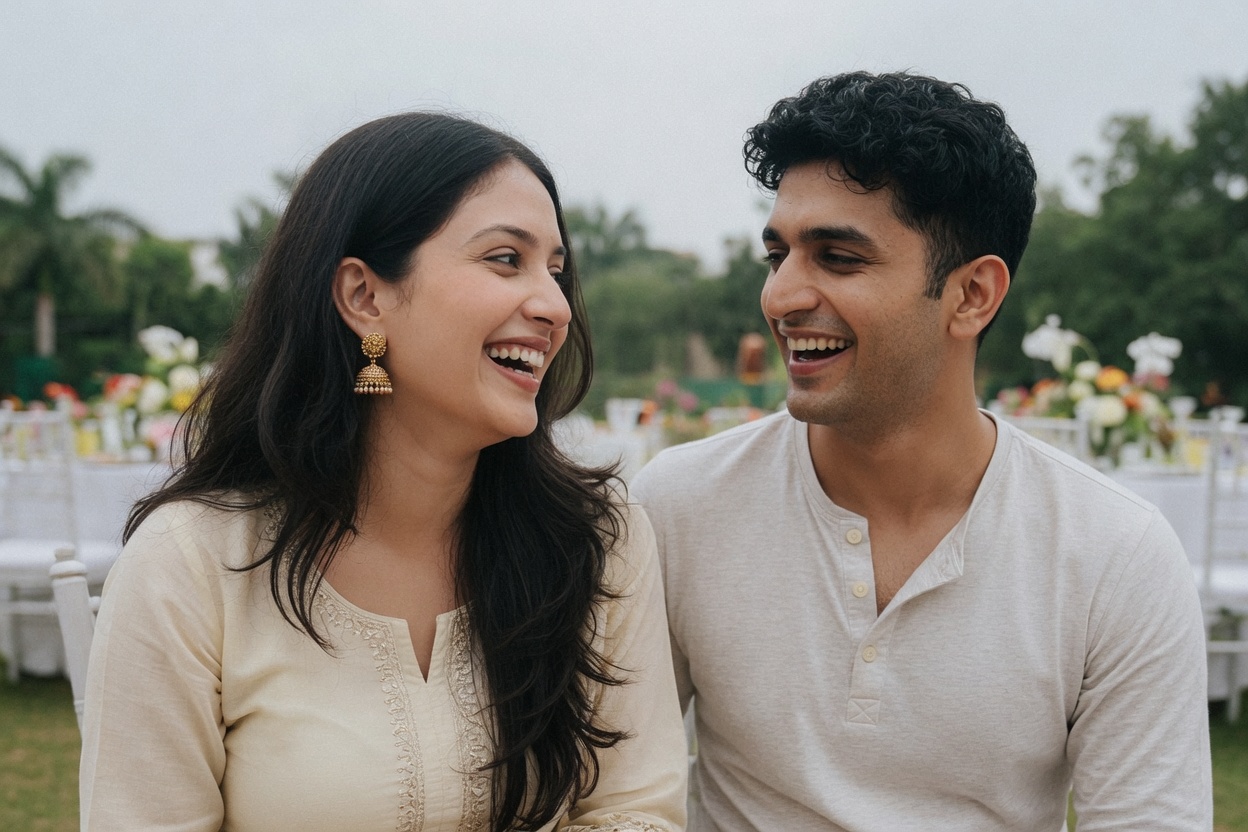
Do not start from twelve heroes. A wedding book that is only the kiss and the cake is a highlight reel, not a day.
Pull the photographer’s selects, the family group-chat shots, and the phone photos into one place. AirDrop them into Photos. A working cut is 120 to 250 photos still including near-duplicates. The curator will fold the bursts. You want the small rooms: getting ready, the uncle who cried, the empty table after.
Free albums stop at 20. That is a thank-you card, not a day. Pro raises the cap to 1,000.
Do not pre-edit heavily. Give the phone the full set and let it cut. How many photos belong in a printed book. For a wedding, err high.
Let the phone propose, then you decide
Start a New Album. Square 12×12 or Landscape 18×12. Both are sizes labs already know.
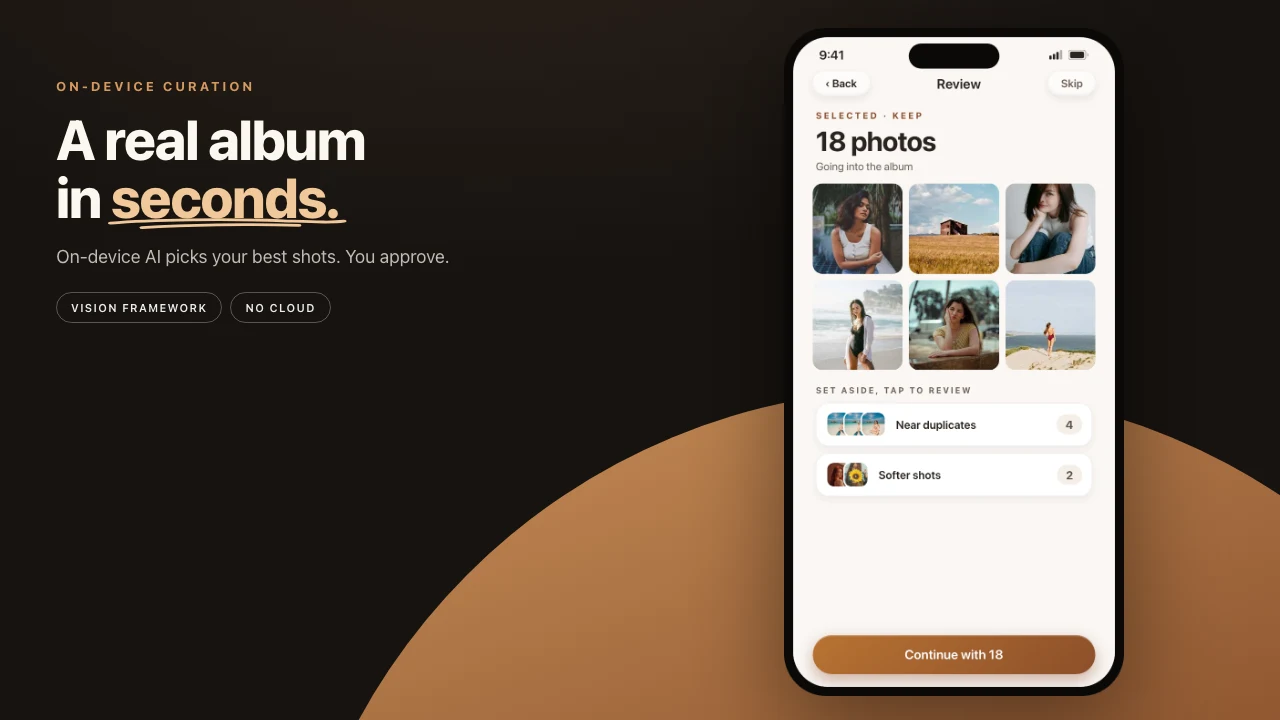
The pass is Apple Vision on the device. Aesthetic score, faces, closed eyes, saliency, scene flags. Bursts collapse. Screenshots and receipts drop. You land on a review: Selected, Near duplicates, Softer shots, Less distinct. Tap anything back in. The forty processional frames become one. A blink beside an open-eyed twin is set aside, not deleted.
Nothing was sent anywhere to get this far. You can finish the book in airplane mode. Sharing is the step that needs iCloud.
Fullness, then the ceremony and the party
Before pages generate, shape is already locked. Fullness then sets how packed each page feels. The photo count stays. The page count moves. Airier for ceremony and formals. More packed for the party if you want the room to feel full. Every rebuild is a take. Keep the quiet one and the lively one. Compare before you print.
The engine places heroes and chapter breaks from the Vision pass. There is no personality or tone picker.
Names and a date on the cover if you want them. A consistent grade across the set, dialed back so it reads as a treatment. Quote pages if a short line between chapters helps. Most wedding albums come out close to ready on the first build.
Two books is allowed
Yours can be 200 frames and airier. The one you send parents can be shorter, more packed, and sealed until Sunday. Same roll. Two projects. You do not owe anyone the uncut dump.
A photographer’s official book is a different object. This is the family’s book, made from the phones that were actually in the room. It can sit beside the official one. It should not be a cloud folder named wedding_final_FINAL.
Print when the story is stable
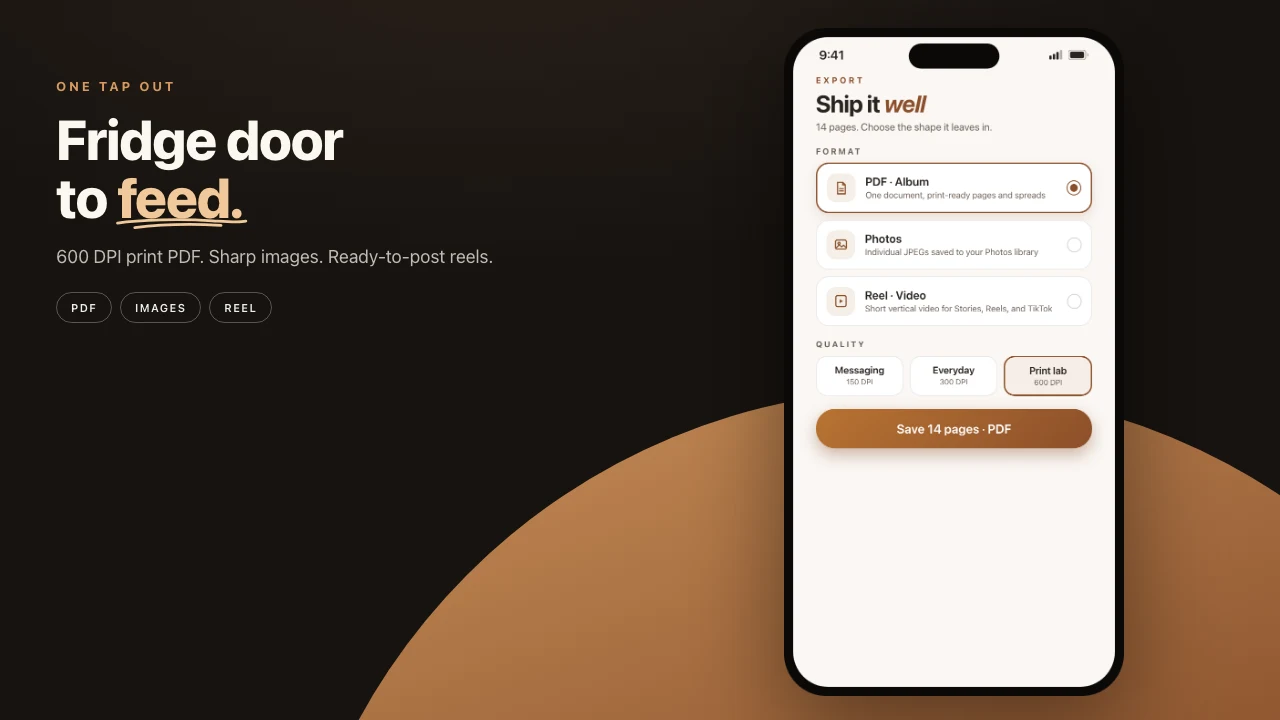
A wedding book is the case for Archive, the largest file. People lean in. Skin, fabric, and small type take the close look. On the Share sheet, PDF, Archive quality. The renderer scales every page from your full-resolution originals, locally. A Live Activity tracks progress so you can lock the phone.
Pressbook does not ship the hardcover. Any lab that takes a PDF will do. How to print from iPhone. Keep the project file. A parent reprint next year is another export, not another upload.
Seal a copy for the anniversary
Once the album is finished, you can seal it as a Memory Capsule. Pick the first anniversary. Confirm.
The seal is for guests. You can still open, edit, and send updates. You do not lock yourself out of a wedding book you might still want to recut. They wait. On the day they open the current book, not a stale snapshot from the week after the wedding.
If you want them to have it now and wait for a later reopen, share it open this month, or seal first.
Steps
- Start a New Album. Pick the page size the lab already knows, usually square 12×12.
- Select the day generously. 120 to 250 including bursts is a fair start.
- Review the drawers. Restore the rooms the phone was too harsh on.
- Set fullness. Read it once like a magazine.
- Export a print-ready PDF when you want paper. Share a private invite when the family should see it.
Start on iPhone or iPad. Make the album. The day stays on the device until you choose otherwise.