Pressbook
All postsNote
Hand a week of trip photos to Pressbook and get a cover, heroes, and grids back in seconds. On-device. No account. Export to print or share privately.
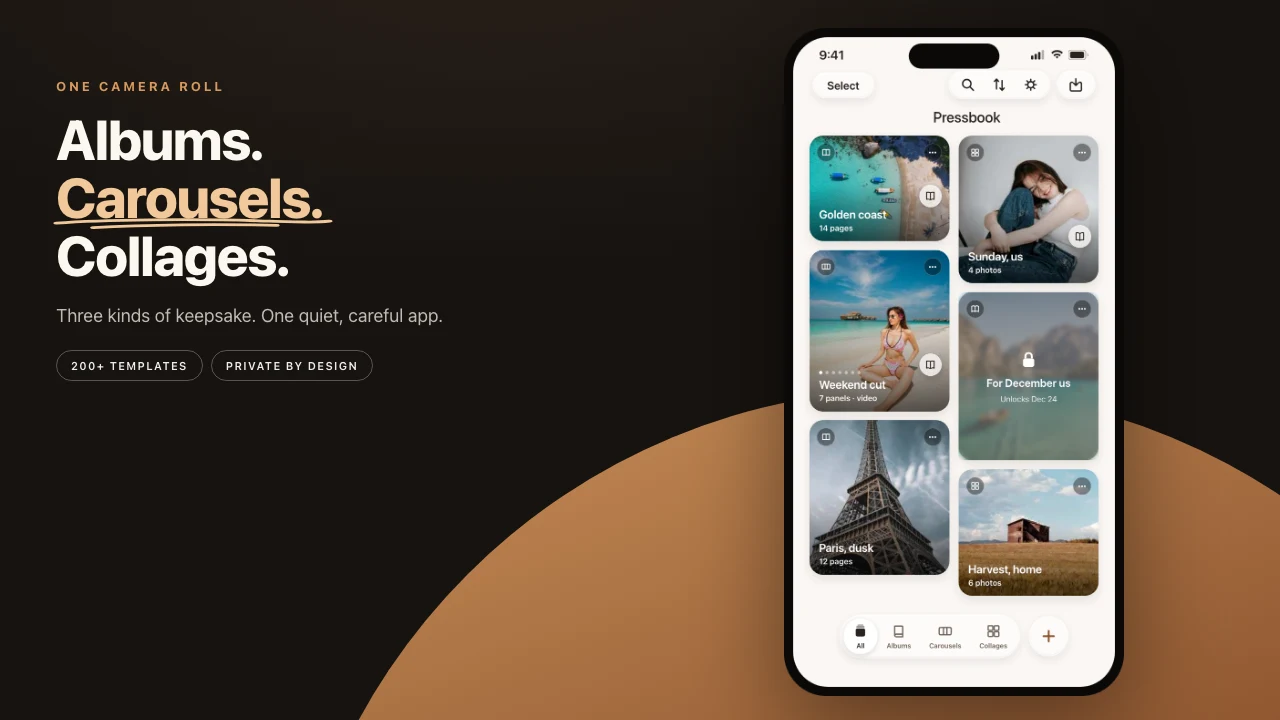
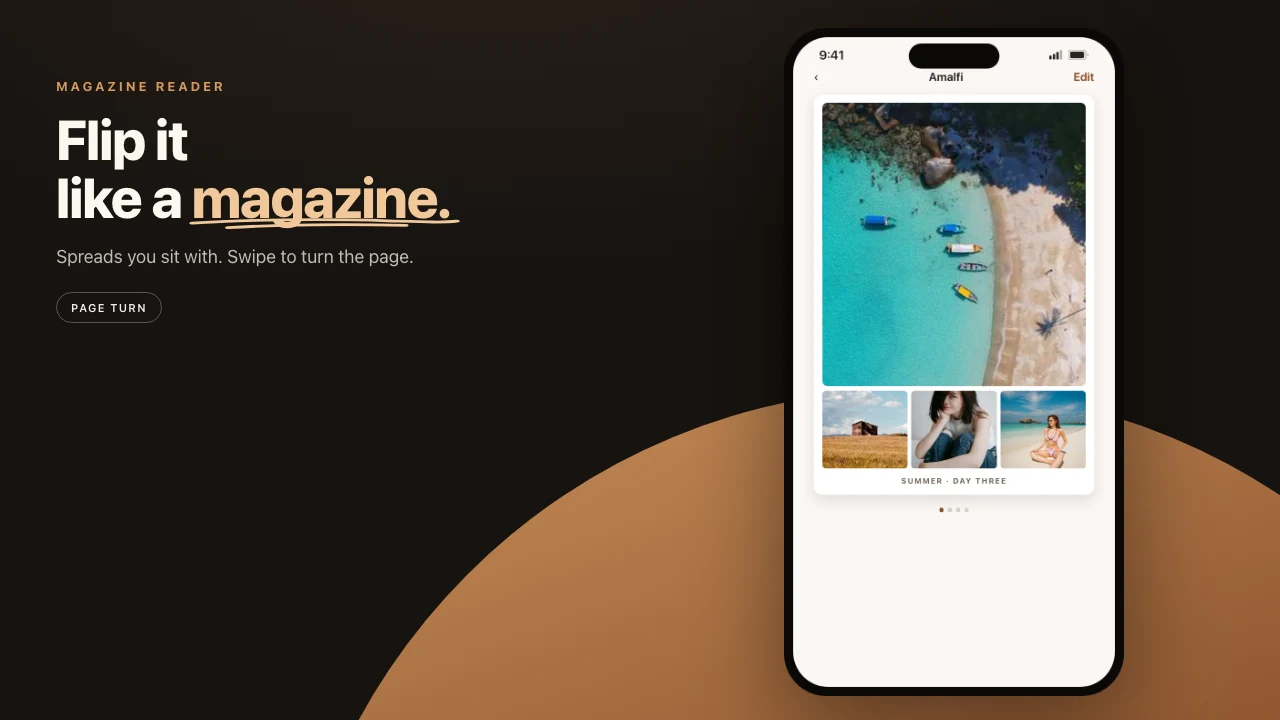
Hand a week of trip photos to Pressbook and you get a finished album back before you have decided on a caption. Cover, hero pages, grids, a closing spread. No upload. No account. No progress bar spinning against a server. The whole thing is assembled on the iPhone or iPad already in your hand.
An album is the long-form tool. New Album to a print-ready PDF, every step on the device.

Start with a size
Before any photos, name the album and pick a shape. There are three, and they map to how the book gets printed.
- Square · 12 by 12 inches. The format every consumer lab supports.
- Landscape · 18 by 12. Wide scenery and travel.
- Portrait · 12 by 18. People, buildings, anything tall.
The size is a real constraint, not a sticker you change later. A landscape album gets wide hero pages. A portrait album gets tall ones. Pick it first because it changes every layout decision that follows.
What the phone actually looks at
Apple's Vision framework runs on each photo, on the device. Pressbook reads a set of numbers off the result.
Every frame can get an aesthetic score for composition, light, and color. A quality score for sharpness and exposure. A face count and a face-capture-quality reading. A mood label (joyful, romantic, dramatic, intimate, and a few others). Scene labels. A dominant color used later for theme matching.
The scoring is fast because it is narrow. Each signal is a number the layout engine can sort on, not a verdict. Photos then get grouped by when they were taken, so a morning at the market and an evening walk become separate beats instead of one long blur. The engine paces pages around those clusters. How Pressbook reads a camera roll covers chapters, bursts, and people.
Two of those signals do quiet work. Screenshots, receipts, and whiteboard photos are flagged as utility and skipped, so a messy roll does not pollute the book. A hero pass ranks the strongest shots so they land on full-page spreads instead of getting buried in a grid.
After it runs, Pressbook shows a review: how many photos it kept, and what it set aside, and why. Selected. Near duplicates. Softer shots. Less distinct.
Near-duplicates from a burst get thinned to the best frame. Softer or noisier shots sit together so you can scan them. Anything below the cutoff is listed, not silently deleted. If the curator ranked a photo you love too low, a group shot where someone blinked, tap it back in. The ranking decides how prominently a photo is placed, not whether it survives.
Free albums stop at 20 photos. Pro raises the cap to 1,000. A trip-sized set of about 80 is a good first magazine. A couple hundred photos take a minute or two. The slow part is choosing the photos, and you only do that once.
Page rhythm and fullness
Once the photos are chosen, they get arranged. The layout engine picks page types in a deliberate rhythm: a solo hero, then a pair, then a grid, then a quote page. The sequence varies so the album does not fall into a repeating pattern. The templates were drawn, not generated. That is why the spreads have the pacing of a printed photobook instead of the evenness of a contact sheet.
If the first take is wrong once you see it, try Another take. The layout rebuilds from scratch with different templates. The photo selection stays put. The first-run walkthrough, including the fullness slider, is how to make your first album.
Fullness is the lever if the book feels thin or cramped. The photo count stays. The page count moves. Pages, never photos.
Captions, if you want them
On supported devices, Pressbook can draft a line using Apple's on-device Foundation Models. It reads the scene labels and mood for a photo and writes a short caption, under fifteen words, in your language. You edit it or throw it out.
When that model is not available, the app falls back to a set of mood-based lines. Either way, the text is written on the device. The photo never leaves the phone to get a sentence.
A quote page in Editorial is the same idea at album scale: a beat of air, not a caption dumped under every frame.
Export at the resolution the job needs
The album exports at three quality tiers. The right one depends on where it is going.
| Use | Resolution |
|---|---|
| A message thread | 150 DPI |
| Everyday pages and most labs | 300 DPI · Pro |
| A master to keep | Archive, up to 6000 px · Pro |
Free export is screen resolution with a small watermark. That is fine for checking the story. Send to a lab on Pro.
Resolution has a real cost in file size. Check free space before an Archive export. Beyond the PDF, you can export individual pages as images, hand off the editable project, AirDrop the PDF to a Mac, or share a private invite. Share > Reel plays an album like a book, cover to back cover. Every one of those paths can finish offline.
The lab file itself is how to export a print-ready photo book PDF.
Curation, layout, and PDF stay local
Most album apps upload the camera roll for curation, layout, and printing.
Pressbook does the curation, the layout, the captions, and the PDF on the phone. The photos never leave to be designed. On-device versus cloud photo book curation is the comparison.
Pick 80 photos from a recent trip and run them through. A trip-sized set lays out in a few seconds. Then sit with it in the page-curl reader before you decide whether the week also wants paper.
Start on iPhone or iPad. Make a photo book in Pressbook. Free, no account, nothing uploaded.