Pressbook
How to post a panorama on Instagram as one seamless swipe
Instagram fits a wide photo into one small frame. Cut it into equal square or 4:5 panels and post them as one carousel, so the view runs on with each swipe.
Blog
How-tos and notes on albums, print, and making things on the device.

Scan to start this on iPhone or iPad.
 FeaturedHow-toHow to make an Apple photo book now that Apple no longer prints them
Showing 40 posts
Instagram fits a wide photo into one small frame. Cut it into equal square or 4:5 panels and post them as one carousel, so the view runs on with each swipe.
Seven collage apps for iPhone, compared on their App Store listings: what is free, what paid plans cost, which add a watermark or ads, and which track you.
Photos on iPhone has no collage button. Shortcuts makes a plain grid, Freeform a free layout, Google Photos up to 6 photos, and a collage app the rest.
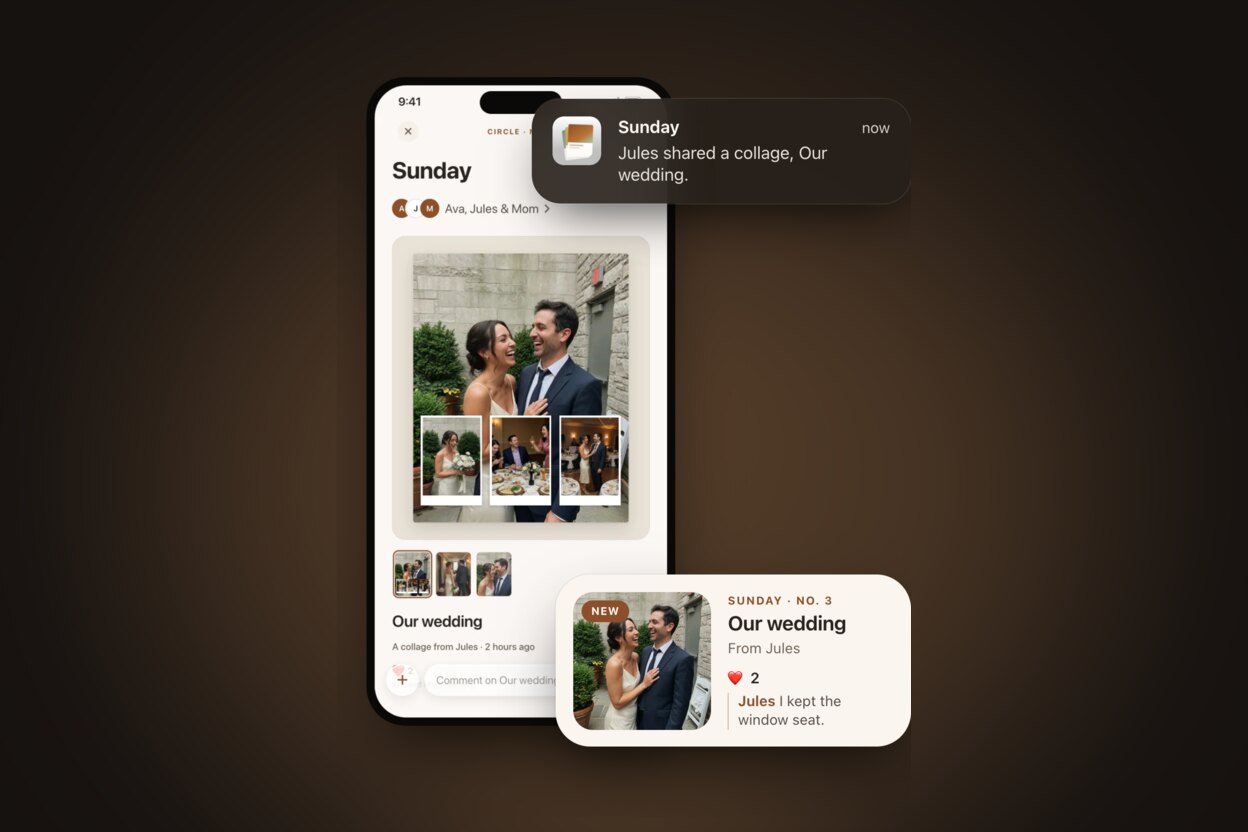
A circle is a private place for a few people. Everyone shares albums, collages and carousels, reacts to pages and comments, through iCloud. Also new: albums that open like a book, and two pages on iPhone Duo.
Same listing as iPhone and iPad. In Photos, File > Create starts an album, collage, or carousel. On-device, no account. Folio lab zip stays on iPad and Mac.
Finish a collage or carousel on the phone, export a Reel, drop it into Stories. No design-server upload. Every layout moves in its own way, and an album turns like a book.
Private invites get comments and reactions. Public links get reactions only. Switch modes without losing guests. No Pressbook account. No discovery feed.
Share > Reel turns a collage or carousel into a Stories-ready video. Every layout moves in its own way, and an album turns like a book. Free, on-device.
Scan to start this on iPhone or iPad.